
NotaTime.
Fast, quiet time & earnings tracking.
A minimalist time-tracking app for freelancers, creatives, and independent workers who just want to track their hours and move on. Open it, start a timer, close it. Try it free, then pay €12.99 once and own it forever.
A tracker, not a boss.
A short list of promises about how NotaTime handles your time and your data.
Local-first entries
Time entries live on your device by default. iCloud sync is opt-in and end-to-end-encrypted by Apple's stack.
One-time purchase
Try NotaTime free, then pay €12.99 once to keep it forever. No subscription and no recurring fee.
Yours to export
Every entry exports as CSV, JSON, or a printable timesheet. Nothing locks you into the app.
What it does.
Four small moving parts. Each one helps you record a session and move on.
Quick to start.
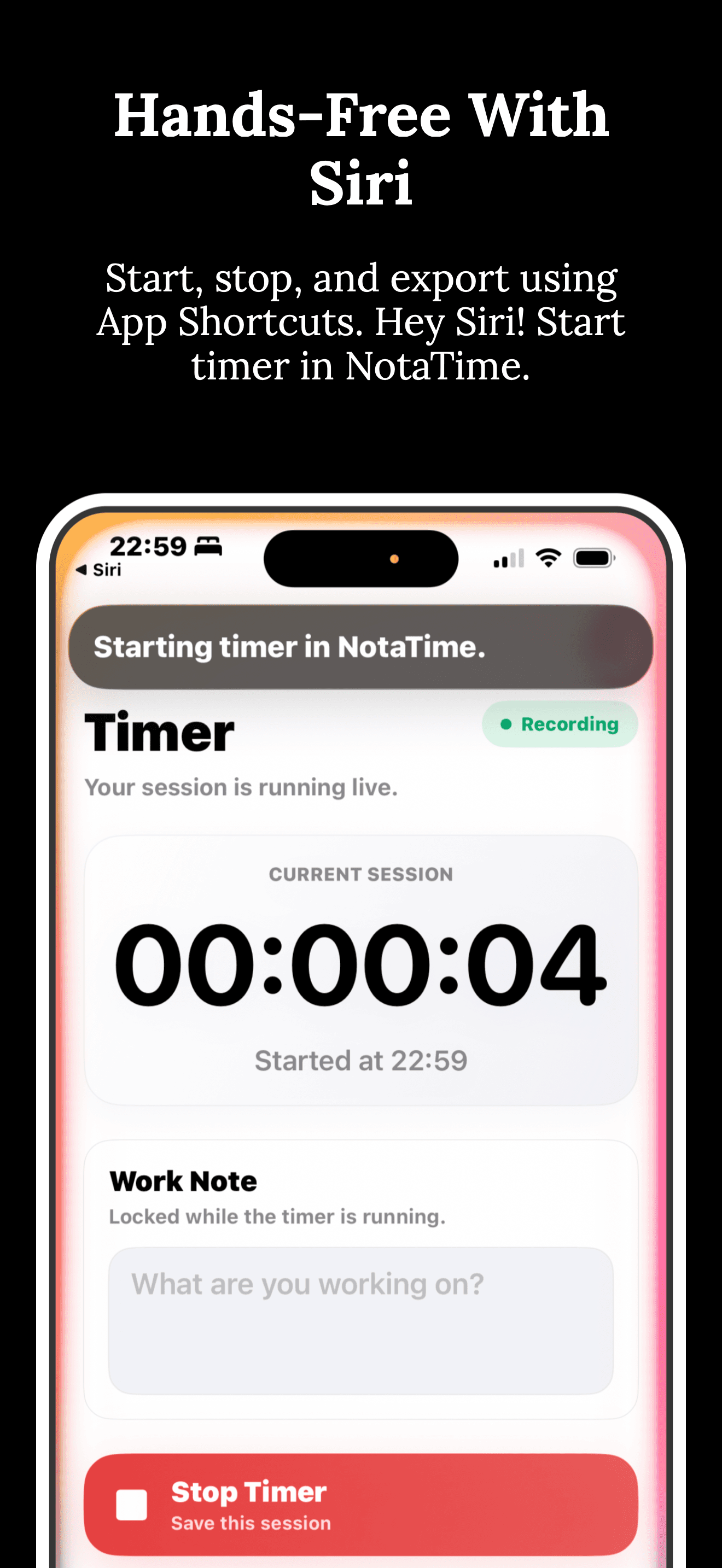
Open NotaTime, tap once, and the session is running. It stays light on purpose so tracking time on iPhone or iPad feels immediate instead of administrative.
A quiet weekly view.
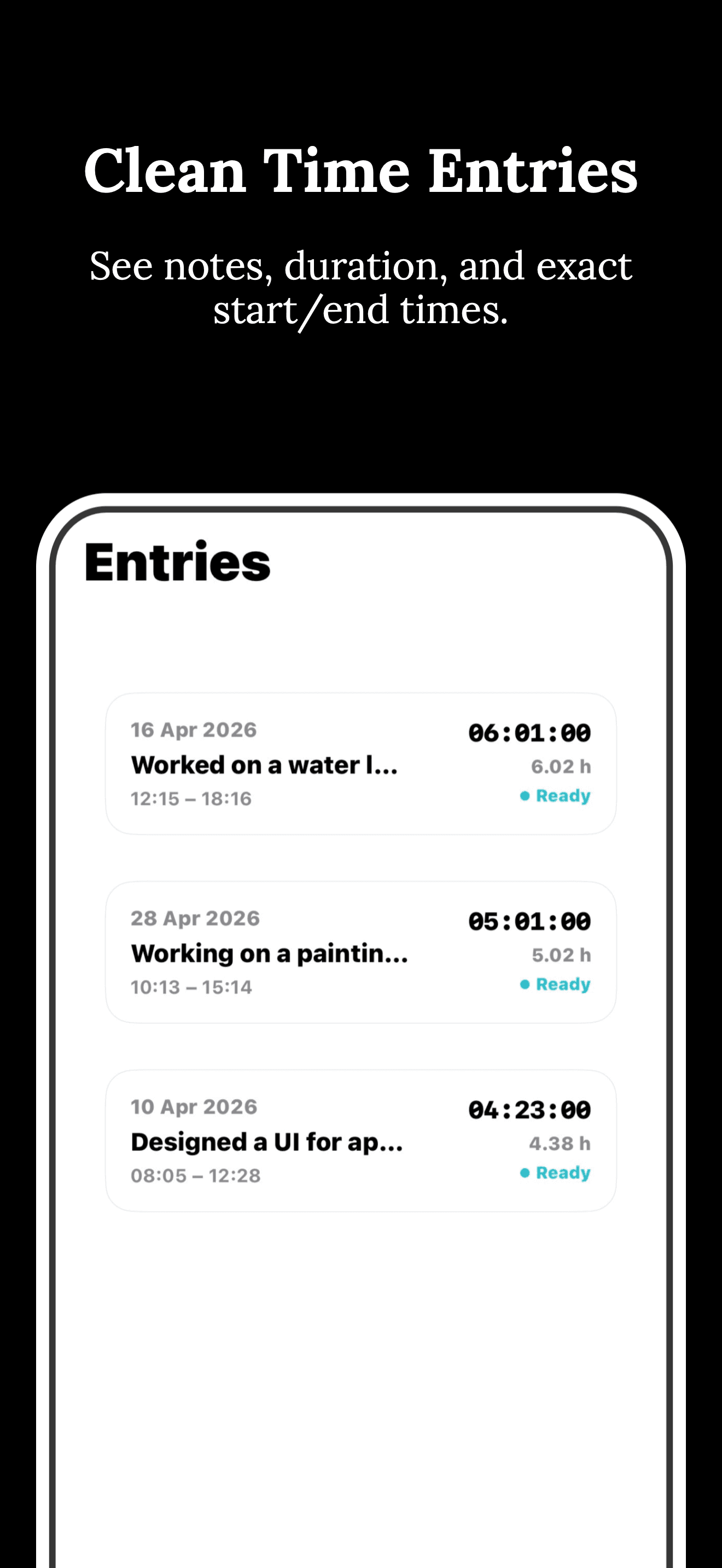
One glance shows where the hours went. No streaks, no productivity score, no comparison to last week.
Per-client rates.
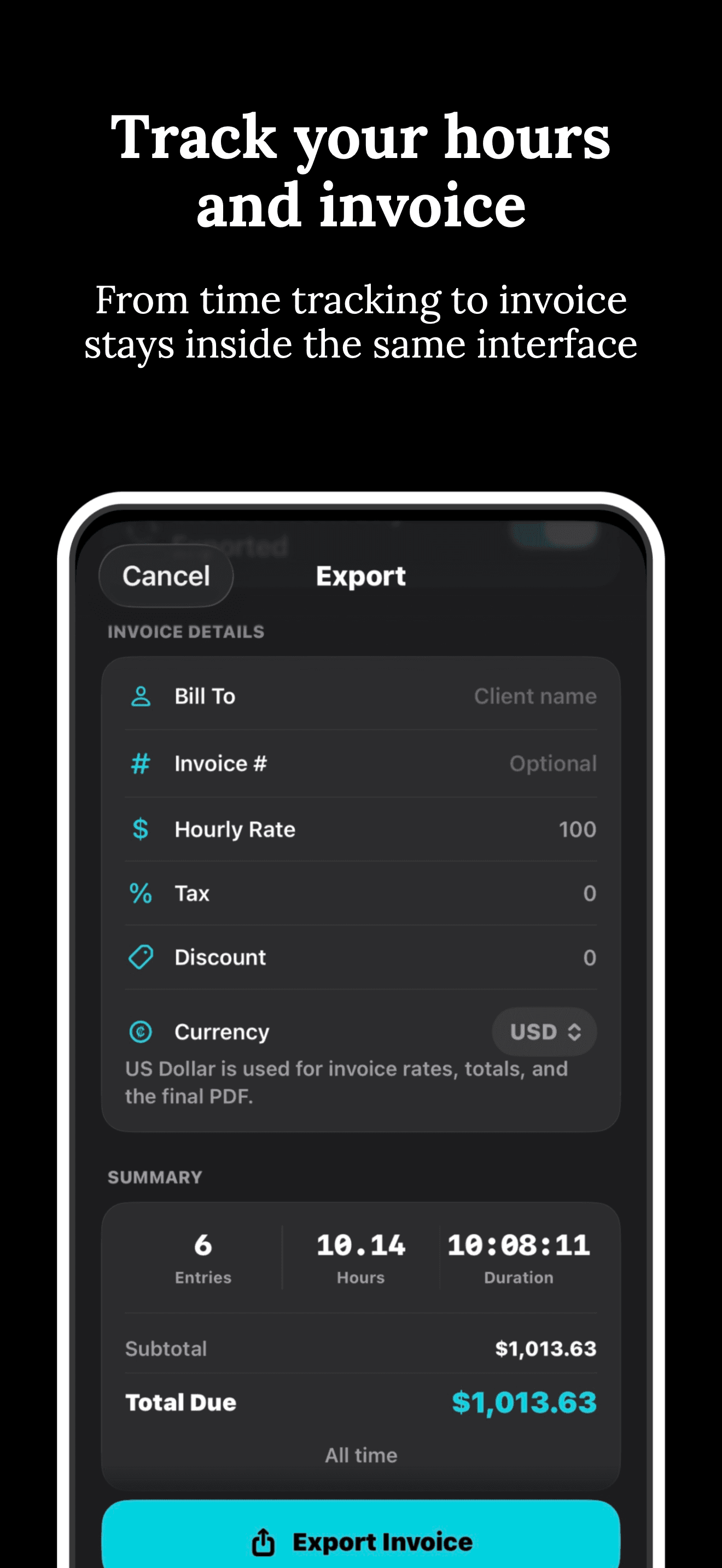
Assign hourly or flat rates to each client. NotaTime tallies the billable amount as the timer runs.
Export cleanly.
Export a month as a polished PDF, a flat CSV, or a JSON file. Your tracked hours stay easy to share, archive, or use in the rest of your workflow.
Privacy first.
Your time entries, notes, and rates stay on your device by default. We do not collect them, and it is none of our business what you use your time for.
- No accounts required. No email collected.
- iCloud sync is opt-in and end-to-end-encrypted through Apple's stack.
- We do not collect, sell, profile, or track your time data.
Plain terms.
Use NotaTime to track your own work. The numbers are yours; you're responsible for what you invoice.
- The app is provided as-is to the extent permitted by law.
- Review every export before sending to a client.
- Refunds within 14 days if it isn't for you.
Things people ask.
Common questions about NotaTime and how it tracks (or doesn't track) you.
Does NotaTime take screenshots or log activity?+
How much does NotaTime cost?+
Can a team use this together?+
What happens if I forget to stop the timer?+
Need a hand?
Reach out and include your app name, platform, and a short issue description. An actual human will reply within a day or two.
hello@nicesoftware.xyz →