Artwork Camera.
Photograph the work. Keep the record.
An art scanner and studio archive built for painters, illustrators, printmakers, art students, and galleries. Find the edges, keep the phone level, avoid glare, correct perspective, and leave the studio with a file you can actually use.
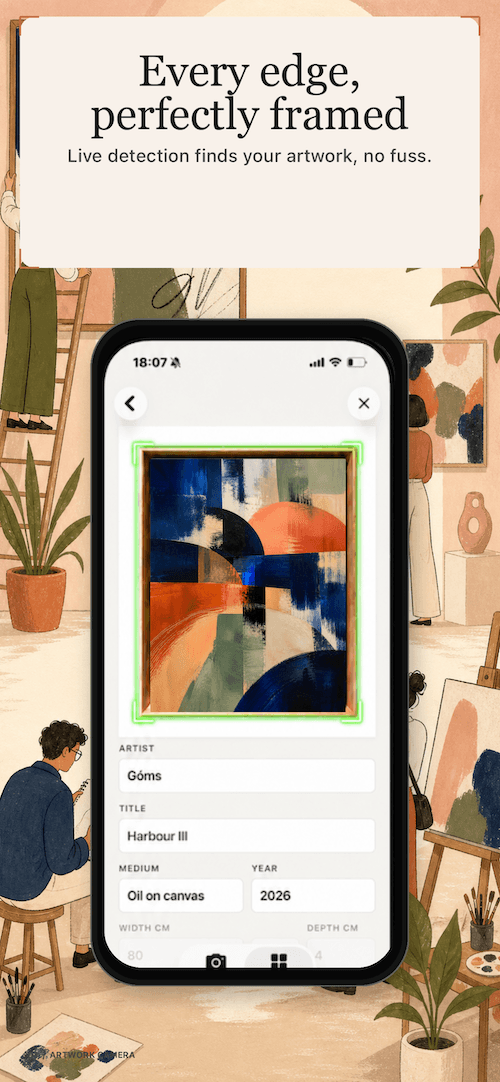
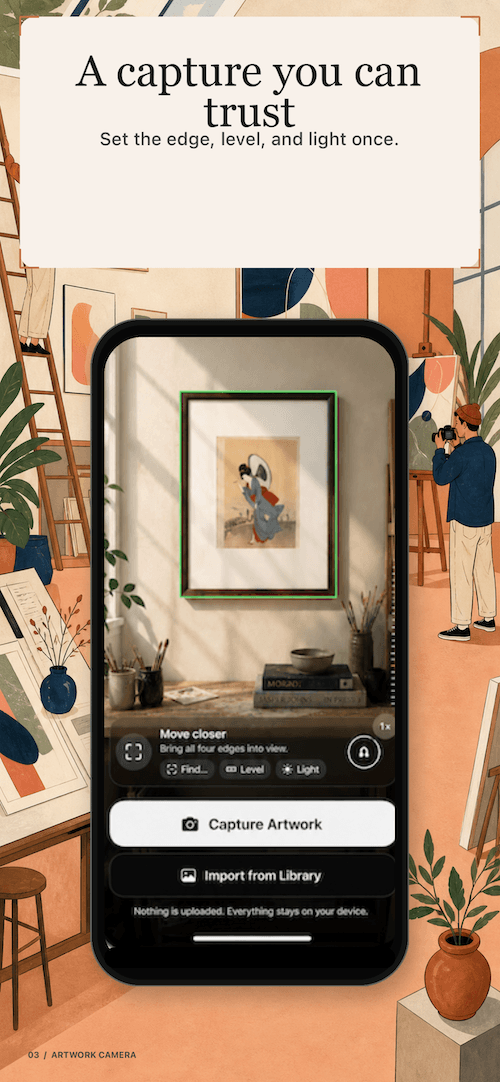
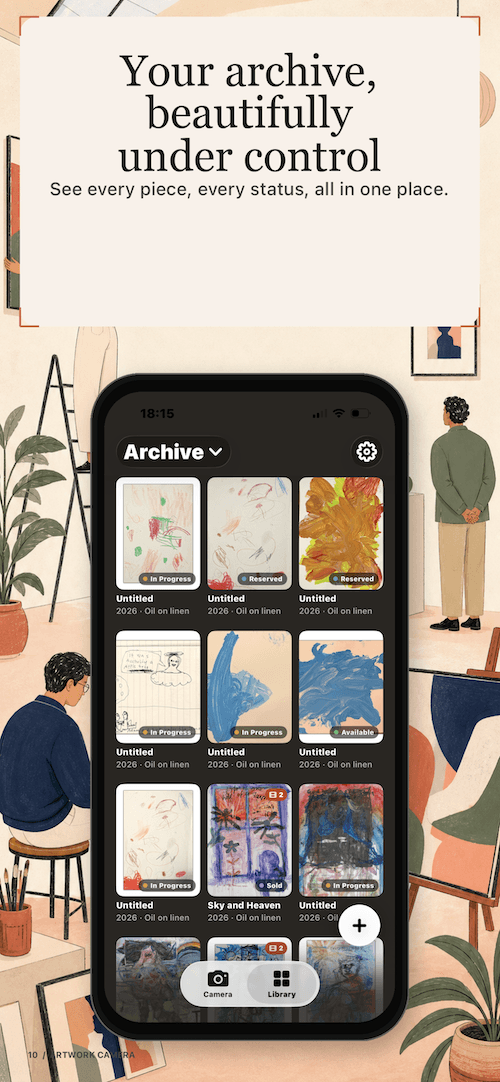
A better record of the work.
Three parts of the Artwork Camera promise: capture it cleanly, keep it privately, and share it in the format the moment needs.
Capture without the guesswork
Live edge detection finds the work, a two-axis level keeps your phone parallel, glare detection warns you before a reflection ruins the shot, and auto-capture waits for a stable frame.
Archive what matters
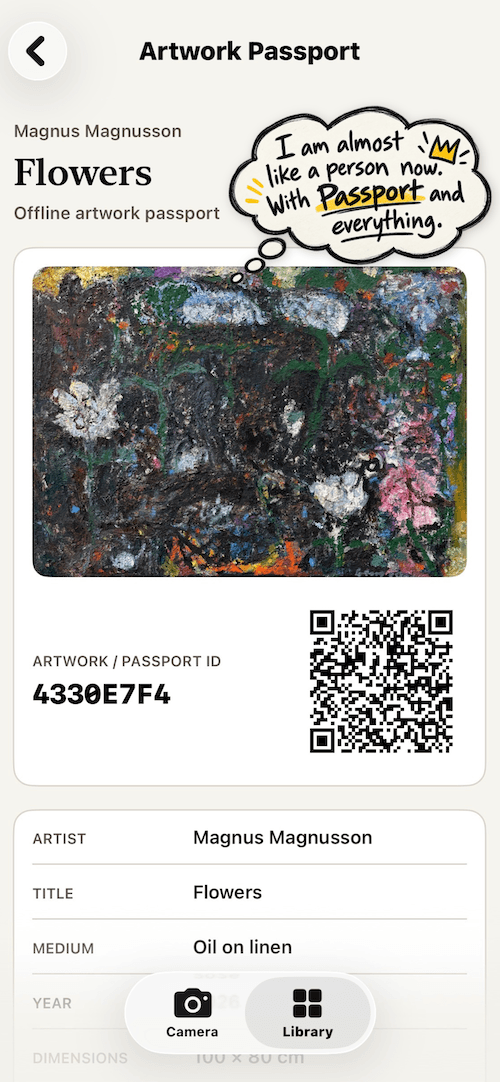
Keep title, artist, medium, year, inventory number, status, collection, tags, and the image together in a private archive that stays close to the studio.
Export like a professional
Create a lossless PNG, a gallery JPEG, an Instagram JPEG, or an Artwork PDF. Follow a work in progress over time with an animated GIF.
From capture to catalogue.
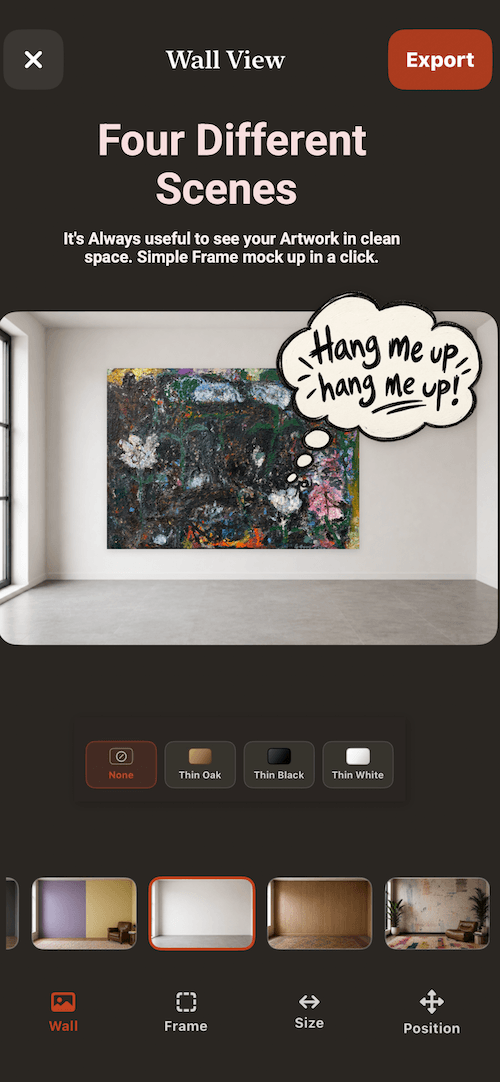
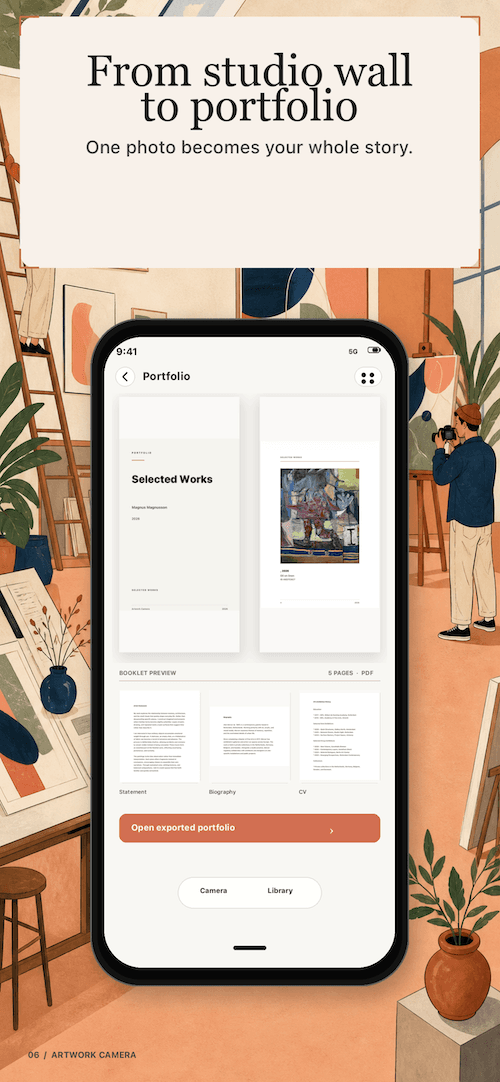
A camera workflow for making a good record once, then using it everywhere: in the archive, in a portfolio, at the gallery, and on the wall.
Lossless PNG
A clean full-resolution source for your archive and future use.
3000px JPEG
A consistent presentation file for submissions, websites, and portfolios.
1080 × 1080
A ready-to-share square for Instagram and other social surfaces.
PDF sheet
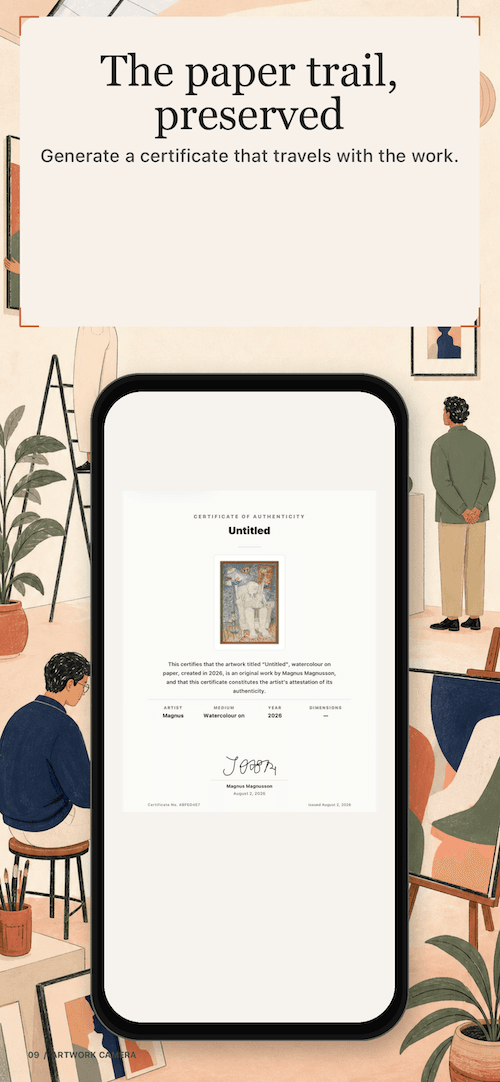
Artwork information and image together, ready for a gallery or collector.
Made by a painter, live on the App Store.
Artwork Camera is made in Oslo by a working painter. The useful feedback is specific: what worked, what felt confusing, and what would make the archive more valuable to your practice.
Private by default.
Artwork Camera is built around a local archive. The live camera view is processed on device, and your work is not uploaded to a Nice Software cloud.
- Archive records and metadata stay on device unless you explicitly export or share them.
- Sign in with Apple is optional.
- Photos access is requested only when you choose to export a finished capture to your Photo Library.
Plain terms.
Features may change as the app develops, and you remain responsible for the artwork you photograph and share.
- Review exported files and metadata before sending them to a gallery, collector, or client.
- Only photograph and share artwork you have permission to use.
- The app is provided as-is to the extent permitted by law.
Things artists ask.
The practical questions about capture, archive, and exports.
What is Artwork Camera?+
Does it work like a document scanner?+
Where is my archive stored?+
What can I export?+
Where can I get it?+
Need a hand?
Reach out and include your app name, platform, and a short issue description. An actual human will reply within a day or two.
hello@nicesoftware.xyz →