
Wax & Pigment.
Precision oil stick formulation.
Wax & Pigment is a precision formulation app for artists, painters, and small-batch paint makers making handmade oil sticks and pigment-based recipes. It helps you choose pigments, calculate oil and wax ratios, adjust firmness, scale batches, and save repeatable studio records.

Less guesswork, more control.
Three reasons Wax & Pigment exists in the studio: better inputs, better ratios, better repeatability.
Real pigment reference
Work from pigment data instead of guesswork: oil absorption, color index, opacity, toxicity, drying notes, and handling reminders stay close to the recipe.
Repeatable batch math
Oil, wax, pigment, firmness, and batch size recalculate together so one good stick can become three or thirty without starting over by hand.
Studio records that hold up
Save formulas, notes, batch codes, drying days, outcomes, tags, and exports in one place so the next session begins from tested material.
What it does.
Four real screens from the app. No mock batches, no invented workflow.
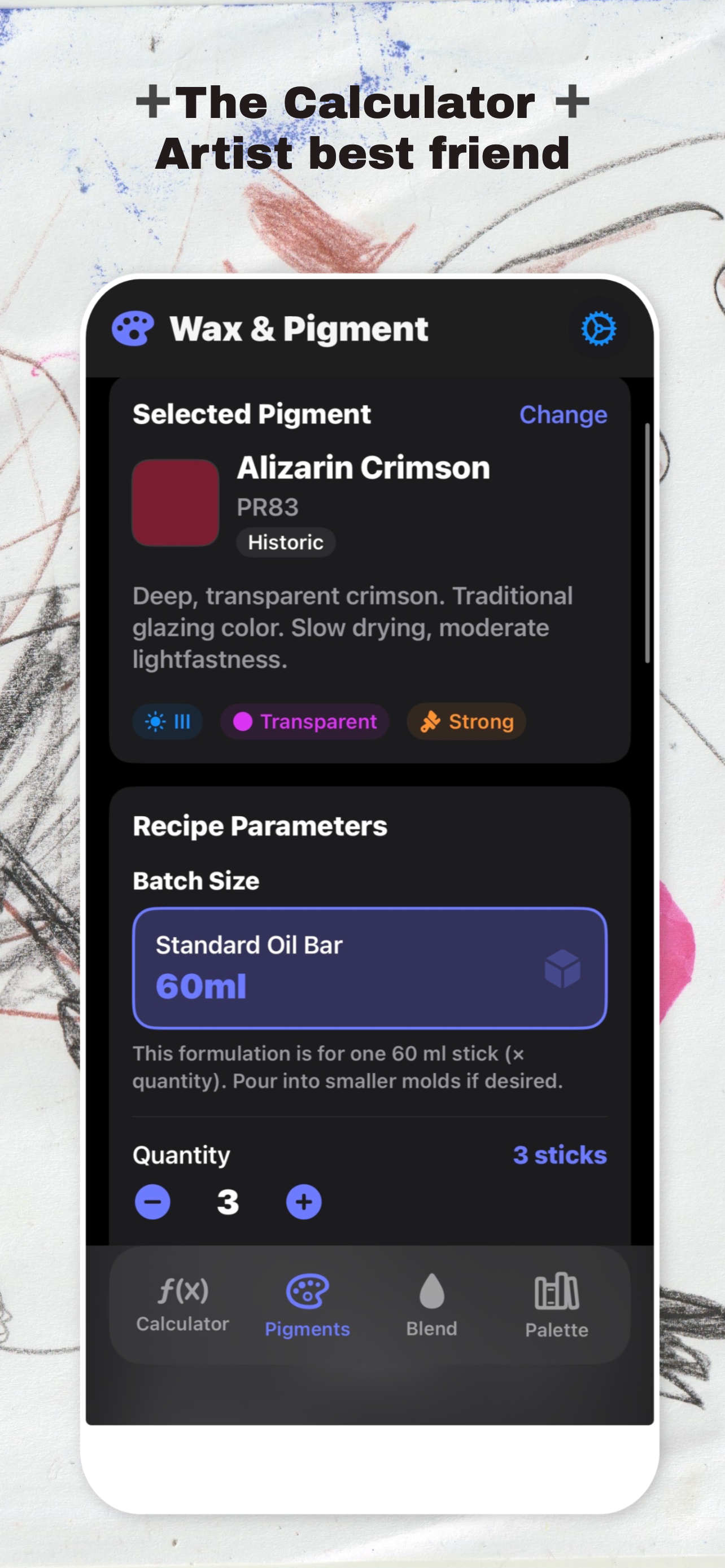
Oil stick calculator.
Start from a known pigment, choose your stick firmness, and let the app calculate oil, wax, and pigment grams for a working batch instead of guessing ratios by hand.
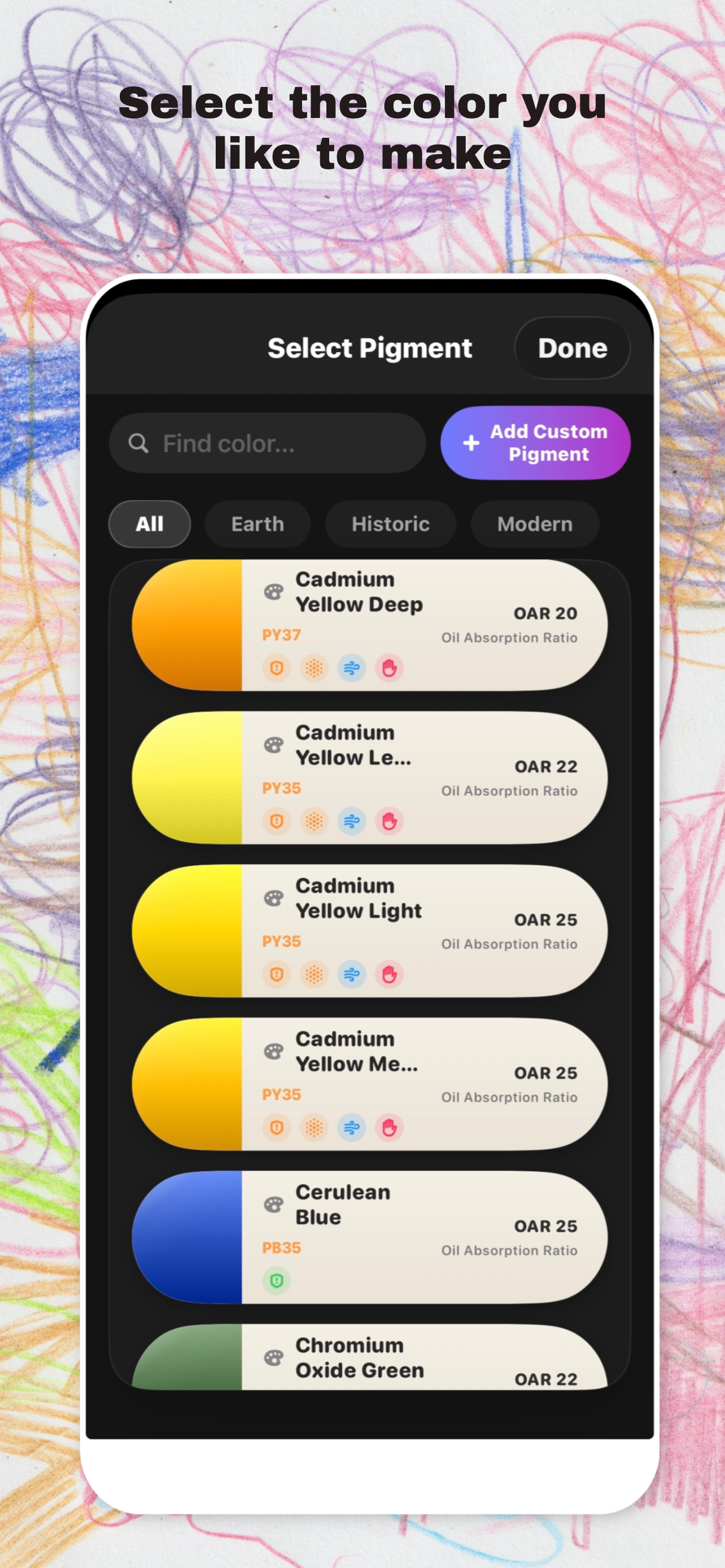
Pigment profiles.
Keep color index names, oil absorption rates, opacity, lightfastness, toxicity, drying notes, and handling reminders in the same place as the recipe so every mix starts from real material data.
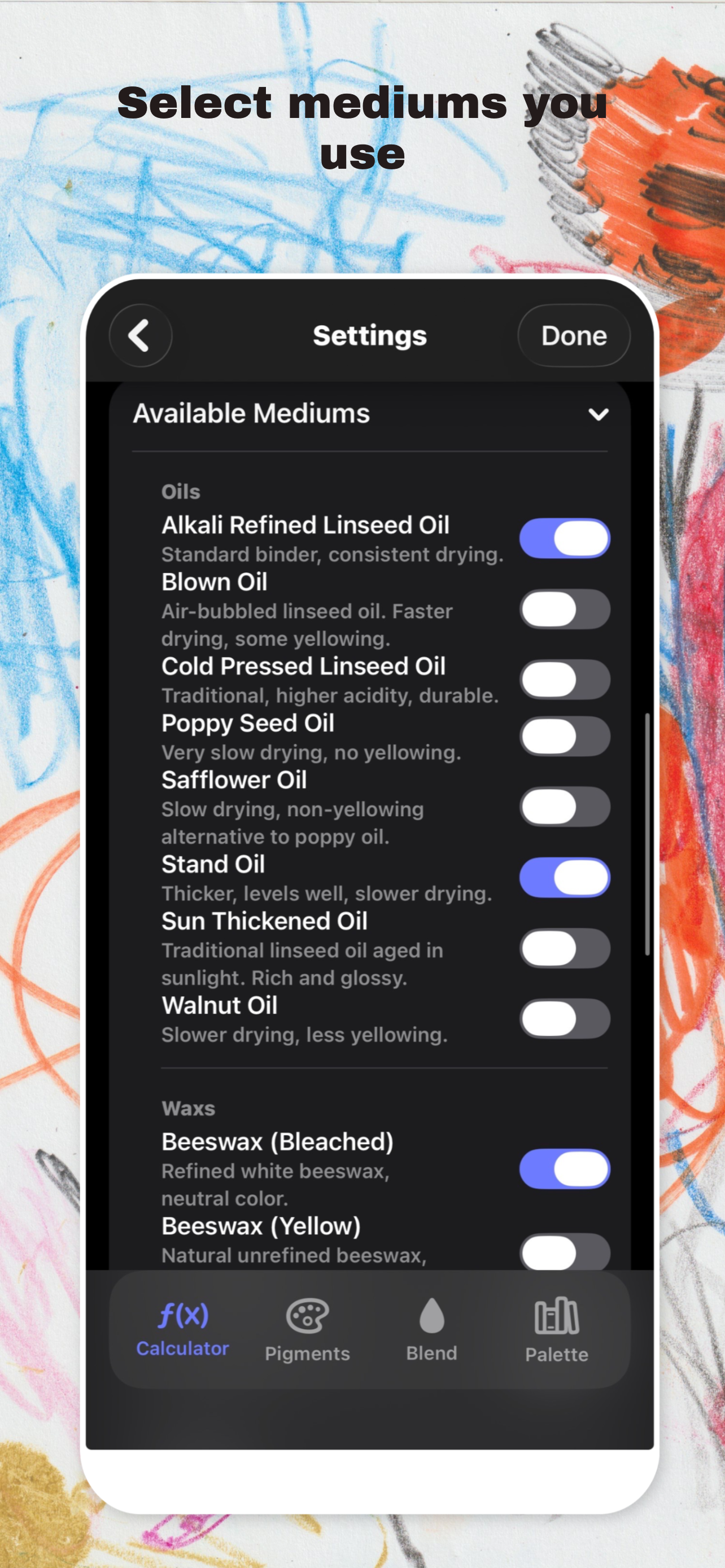
Batch and blend control.
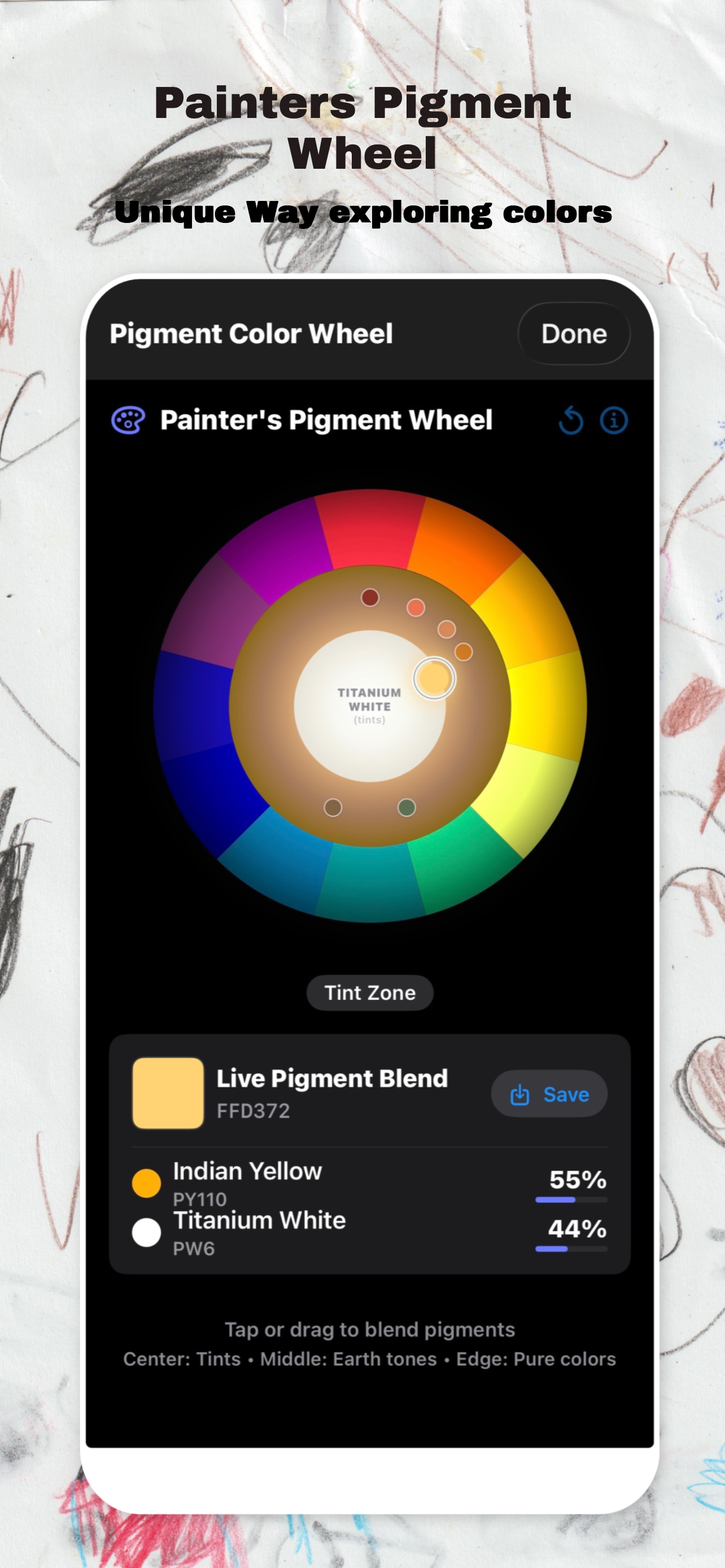
Scale one recipe into multiple sticks, combine pigments into custom blends, swap oils, waxes, solvents, and additives, and keep a cleaner overview of what the batch is actually made from.
Texture and safety.
Firmness targets, handling notes, and safety warnings help catch toxic pigments, high-solvent mixes, and texture problems before they become wasted material on the bench.
Privacy first.
Guest mode keeps Wax & Pigment local-only, and signed-in premium sync is there only if you want it.
- You can use the app in guest mode and keep recipe data on-device only.
- Premium users who sign in can sync through iCloud/cloud features, restore purchases, and manage account state without losing local records.
- Local data clearing and account deletion flows are included for App Store compliance.
Plain terms.
Wax & Pigment helps you formulate and document oil sticks, but studio handling and safety choices are still yours.
- Pigment safety warnings and handling notes are guidance, not a substitute for your own studio judgment and supplier documentation.
- Saved formulas, project notes, and exports remain yours.
- Premium access, restore purchases, and sync features may evolve, but deletion and local clearing controls remain available.
Things people ask.
The practical questions: pigments, sync, exports, and whether you can trust the ratios.
Is there a built-in pigment database?+
Do I need an account to use it?+
What does it calculate for me?+
Need a hand?
Reach out and include your app name, platform, and a short issue description. An actual human will reply within a day or two.
hello@nicesoftware.xyz →